






S/MIME Email Encryption for Business (2026): Why It’s a Pain and Easier Alternatives
-

-
 Feb 16, 2026
 -
 5 min read
Share on:


If you’re researching S/MIME email encryption, you’re probably in one of these situations:
- A customer asked, “Do you support S/MIME?” and you nodded like you didn’t just open a new tab.
- Someone said, “We need end-to-end encrypted email,” and someone else said, “Great, S/MIME,” and now you’re the adult in the room.
- You tried it once, it worked once, and then someone’s certificate expired and it was over.
This guide explains what S/MIME is, why it still exists, why it often turns into an IT project, and what modern alternatives look like if your real goal is simply to send encrypted email to normal external recipients.
Quick summary
- S/MIME can provide true message encryption (and digital signatures) using certificates.
- The tradeoff is real: certificate lifecycle + recipient participation + client quirks + ongoing maintenance.
- In most businesses, S/MIME is less “turn it on” and more “congratulations, you own a tiny PKI now.”
- If you want encrypted email that works with your existing provider and doesn’t require recipients to set up certificates, a modern email encryption overlay is usually way faster and cheaper.
What is S/MIME (in plain English)
S/MIME stands for Secure/Multipurpose Internet Mail Extensions.
In practice, it means:
- You get a digital certificate (and corresponding private key) from a Certificate Authority (or your internal CA).
- When you send an encrypted email, your mail client uses the recipient’s certificate to encrypt the message.
- The recipient decrypts it using their private key.
S/MIME can also do digital signatures, which help recipients verify:
- the email came from you, and
- it wasn’t modified in transit.
On paper, it’s great.
In the real world, it’s a lot like owning a classic car. Beautiful in a way. Also… constant maintenance. Here's a detailed writeup on how S/MIME works.
Why S/MIME feels harder than it should?
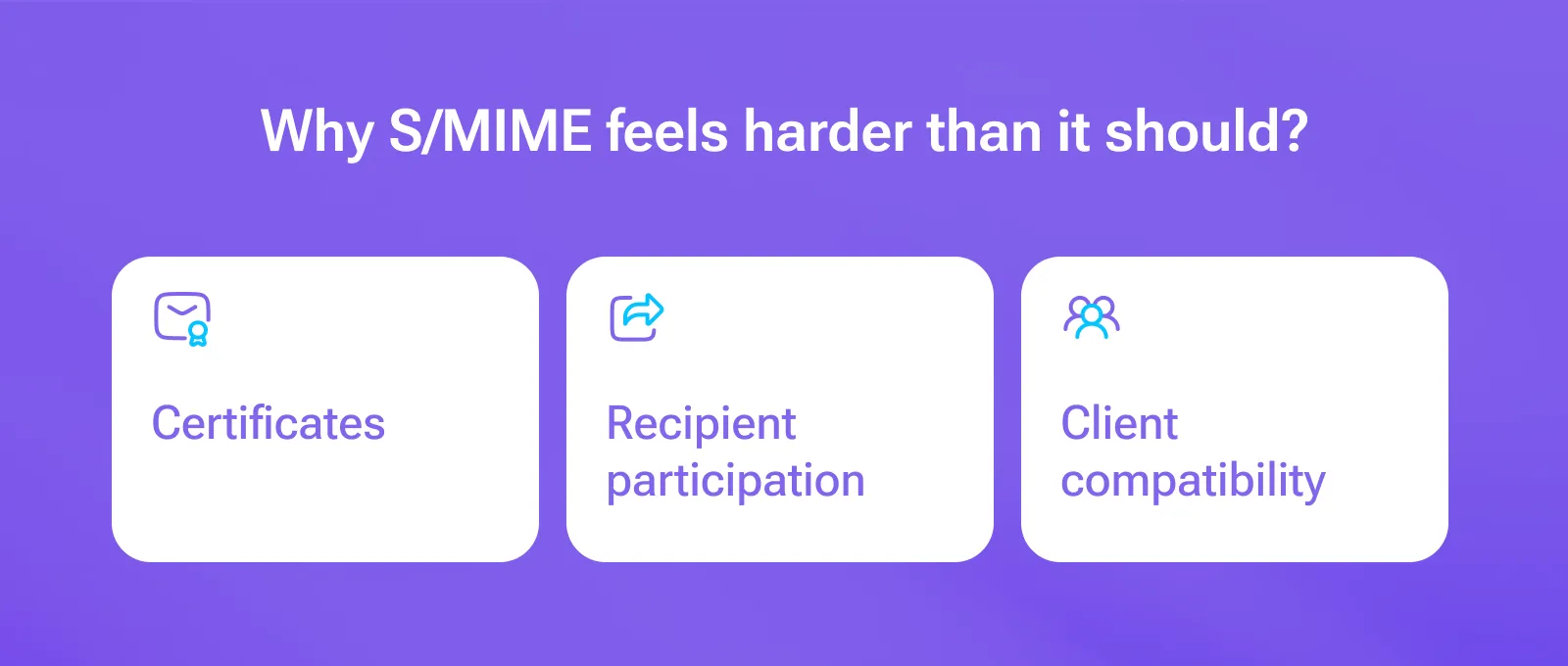
S/MIME has three inconvenient realities. And these are why companies struggle with S/MIME.
1) Certificates are not “set and forget”
S/MIME certificate management is a real issue. You need to:
- issue/buy certificates,
- install them on devices,
- back them up,
- rotate/renew them before they expire,
- revoke them when someone leaves or loses a device,
- manage S/MIME certificates at scale
- and repeat… forever.
2) Every recipient becomes part of the setup
S/MIME is best when everyone you email already has certificates and knows what they’re doing.
Because in most businesses:
- external recipients don’t have certificates ready,
- they won’t install one for you,
- and if they do, it will break on a second device and become your fault.
3) Desktop vs web vs mobile client compatibility can be a nightmare
S/MIME support varies by:
- Outlook desktop vs web vs mobile,
- Gmail vs Google Workspace tiers and configurations,
- Apple Mail vs iOS profiles,
- and whether your environment allows the plug-ins / policies it may require.
This is why S/MIME projects often involve IT policy, not just “email settings.”
Bottom line:
- If you truly need encrypted mail that opens natively inside standard email clients and you can manage certificates, S/MIME can fit.
- If what you actually want is encrypted email that works with normal external recipients, S/MIME is often the wrong hill to die on.
The S/MIME reality checklist (a.k.a. what breaks)
If you want S/MIME to work in production, plan for:
- certificate purchase/issuance (or an internal CA),
- installation on every device a user sends from to ensure compatibility,
- key backup (or you lose access to old encrypted mail),
- renewals/expirations,
- revocation (employee leaves, device lost, etc.),
- recipient onboarding (yes, even external recipients),
- help desk tickets that begin with “I can’t open this.”
If that sounds like your idea of a fun Friday, you are going to love S/MIME.
Easier S/MIME alternatives for Business (that don’t require recipients to earn a cybersecurity degree)
Option 1: Add a modern email encryption service that works with your existing email
This is the “keep Gmail/Outlook/Zoho/etc., add encryption in minutes” approach.
For example, SecureMyEmail:
- Works with existing email addresses and providers
- Encrypts message + attachments + replies
- External recipients typically use a secure link + one-time passcode (no account, no install)
- Supports stronger privacy modes for higher-sensitivity threads
You can start immediately with a free trial, with no payment info and no sales call.
It’s not trying to be a full DLP/eDiscovery platform. It’s trying to make encrypted email usable. Here are more reasons why SecureMyEmail is the best method for email encryption.
Option 2: Enterprise encryption platforms (Virtru, PreVeil, etc.)
These can deliver strong encryption plus policy control, often with extensions, portals, admin tooling, and higher pricing.
Great if you need deep governance along with secure email communication for business.
Less great if you just need to encrypt sensitive emails without a rollout plan and a calendar full of meetings. And, as mentioned, a much bigger hit to the budget.
Select email encryption for your business considering pros and cons.
How to decide if you need alternatives to S/MIME email encryption for business? (without losing your weekend)
Ask these three questions:
- Do you require recipients to open encrypted email inside their normal email client (no secure links, no web views)?"
- If yes, S/MIME may be required — but budget time for certificate lifecycle and support. - Do you email lots of external recipients (clients, patients, vendors, the outside world)?
- If yes, S/MIME will be very painful unless those recipients already run S/MIME.
- For most teams, a modern encryption overlay is the better choice. - Do you need governance controls, or do you mainly need strong encryption that people will actually use?
- If you mainly need confidentiality (encrypt messages and attachments, keep external recipients happy, avoid support drama), a modern overlay can deliver strong protection without the mega-suite tax.
- If you truly need governance (central policy enforcement, retention/legal holds, DLP-ish workflows, auditing, eDiscovery integration), you may end up in Microsoft/Google compliance add-on land. Just don’t confuse “more checkboxes” with “more secure” — it’s often just more expensive and more complex.
TL;DR
S/MIME is real encryption.
It’s also a real project.
If you have the IT resources and a predictable recipient ecosystem, it can work. If you just want encrypted email that works today with real-world recipients, it’s usually faster (and cheaper) to use a modern email encryption service and move on with your life.
FAQ
Is S/MIME still secure in 2026?
Yes — S/MIME is still technically secure in 2026. But for most businesses, it’s no longer the most practical option. Certificate management is painful, encryption can fail with external recipients, and it wasn’t built for cloud-first, remote teams.
What is the best alternative to S/MIME for business email?
The best alternative to S/MIME for business email can be any modern encryption overlay like SecureMyEmail. If your priority is encryption, then SecureMyEmail is great for email encryption for small and large businesses. For governance, consider enterprise encryption options.


-1.webp "PGP Email Encryption for Business in 2026")